Products and collections
Apply a campaign to everything, to a list of products, or to whole collections, then exclude the products that should never be discounted.
Quantity breaks, buy X get Y and cart goals, in one app. The offer shows on the product page. A Shopify Function applies it at checkout. The two can never disagree, because only one of them decides the price.
$24.00
Each type is a form, not a scripting language. Fill it in, target it, publish it.
Set the quantity levels and what each one takes off: a percentage, a fixed amount, or a fixed price per unit. Shoppers see every level on the product page and pick one.
Define what has to be in the cart and what comes back. The reward line is matched and discounted at checkout, not bolted on with a coupon code the shopper has to find.
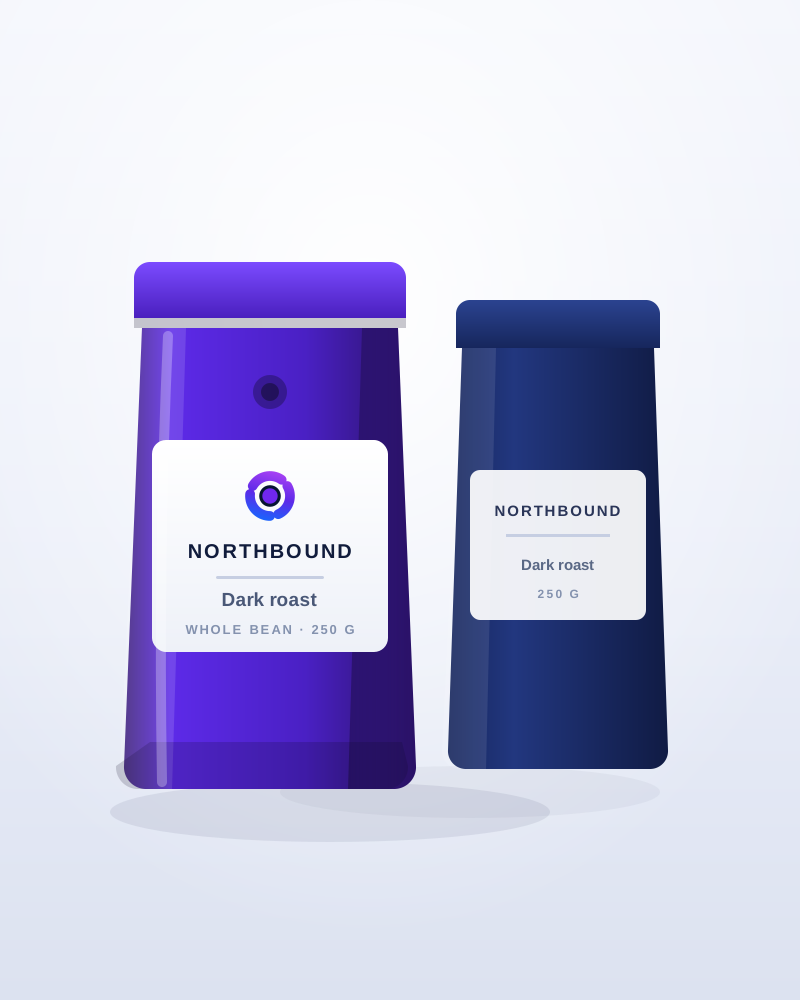
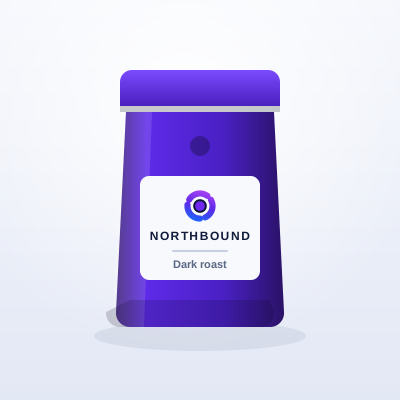 Northbound Dark Roast
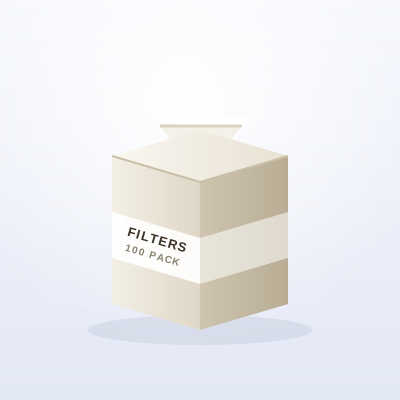 Pour-over filters
 Ceramic mug
Put rewards on the way to a bigger basket and show the shopper how close they are. The progress bar updates as the cart changes, and the reward lands when the goal is met.
You are $18.50 away from 10% off your order
A campaign that fires on the wrong cart costs money quietly. Every campaign carries its own audience, catalogue and window.
Apply a campaign to everything, to a list of products, or to whole collections, then exclude the products that should never be discounted.
Everyone, logged-in shoppers only, or customers carrying a given tag. B2B and D2C can be split so trade pricing never leaks to retail.
Restrict a campaign to the markets it was priced for, so a promotion built for one region stays there.
Set a start and an end. A campaign can sit as a draft until you are ready, and stops on its own when the window closes.
Customer tags, collections, exclusions and scheduling start on Starter. B2B, D2C and the country filter start on Growth. Compare plans
Campaign sales is the net revenue of the order lines a campaign discounted: unit price times quantity, less the discount and any refunds, in your store currency. Not the whole order. Not a guess.
Every plan includes all three campaign types and the full analytics page. What changes is how many campaigns you can run at once and how much they are allowed to sell.
$0forever$0forever
Run one campaign and see real numbers before you pay anything.
$9.99/ 30 days$99.90/ year
Targeting, scheduling and the card layout for a growing catalogue.
$24.99/ 30 days$249.90/ year
Unlimited campaigns plus B2B, D2C and country targeting.
$49.99/ 30 days$499.90/ year
Per-market schedules and the largest sales allowance.
| Feature | Free | Starter | Growth | Scale |
|---|---|---|---|---|
| Quantity breaks, buy X get Y, cart goals | ||||
| Storefront widget and analytics | ||||
| Target all products | – | |||
| Target collections | – | |||
| Product exclusions | – | |||
| Logged-in customers | – | |||
| Customer tags | – | |||
| Campaign schedule | – | |||
| Card layout widget | – | |||
| Image badge | – | |||
| B2B customers | – | – | ||
| D2C customers | – | – | ||
| Country filter | – | – | ||
| Per-market schedules | – | – | – |
Adds 1,000 campaign sales to the current period.
Adds one active campaign on plans with a finite limit.
Prices are in USD and billed through Shopify. The campaign-sales allowance is measured in your store currency, converted at the rate fixed when the 30-day period opened. Packs are not available on yearly billing.
No. The discount is applied by a Shopify Function at checkout, so it holds whether or not the widget is on the page. The widget is what tells the shopper the offer exists, which is usually what makes them add more.
Only the order lines a campaign actually discounted count, valued at unit price times quantity, less the discount and any refunds. The rest of the same order never counts.
One active campaign and $1,000 of campaign sales per 30-day period, with all three campaign types and the full analytics page. No card is required.
No. The period is anchored to the day you installed and keeps its own cadence. Upgrading raises the allowance inside the period you are already in.
Paid plans include a 7-day trial, once per store.
Plans are priced in USD and billed through Shopify. Your campaign-sales allowance is measured in your store currency, converted at the rate fixed when the period opened, so the bar in the app matches the numbers you see in Shopify.
The widget ships as a theme app extension and renders on the product page without blocking it. There is no external script to add to your theme by hand.
Yes. Settings has a custom CSS field with a size limit and a short list of constructs it will not accept, plus editable text for the countdown, the add-to-cart button and the savings line.
More detail lives in the documentation.
The app is in development. The documentation is already written against the real product, so you can see exactly what it does before it lists.